Create stunning App Store screenshots in seconds
Design beautiful screenshots and icons for your iOS app. No design skills needed. Export at exact App Store resolutions for iPhone and iPad.
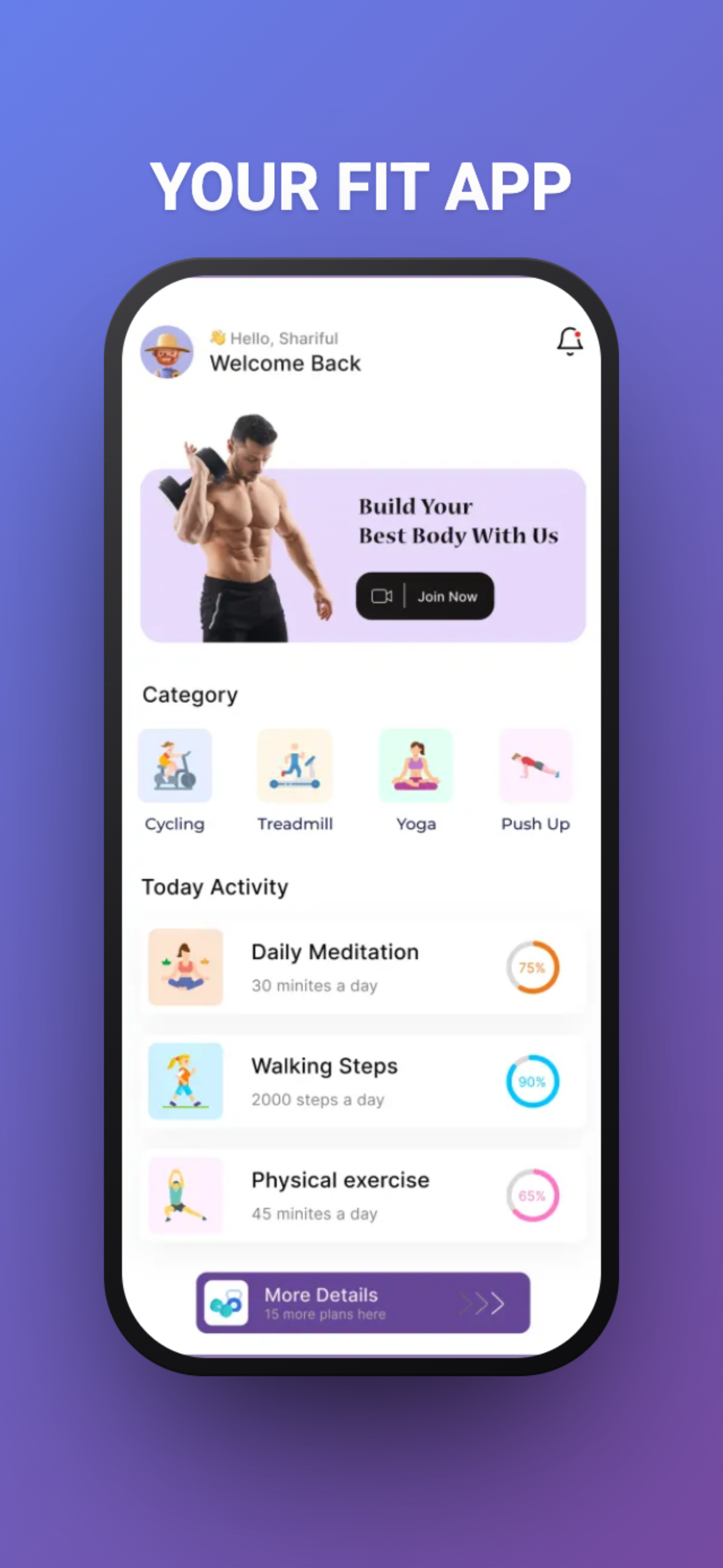


Everything you need to createApp Store assets
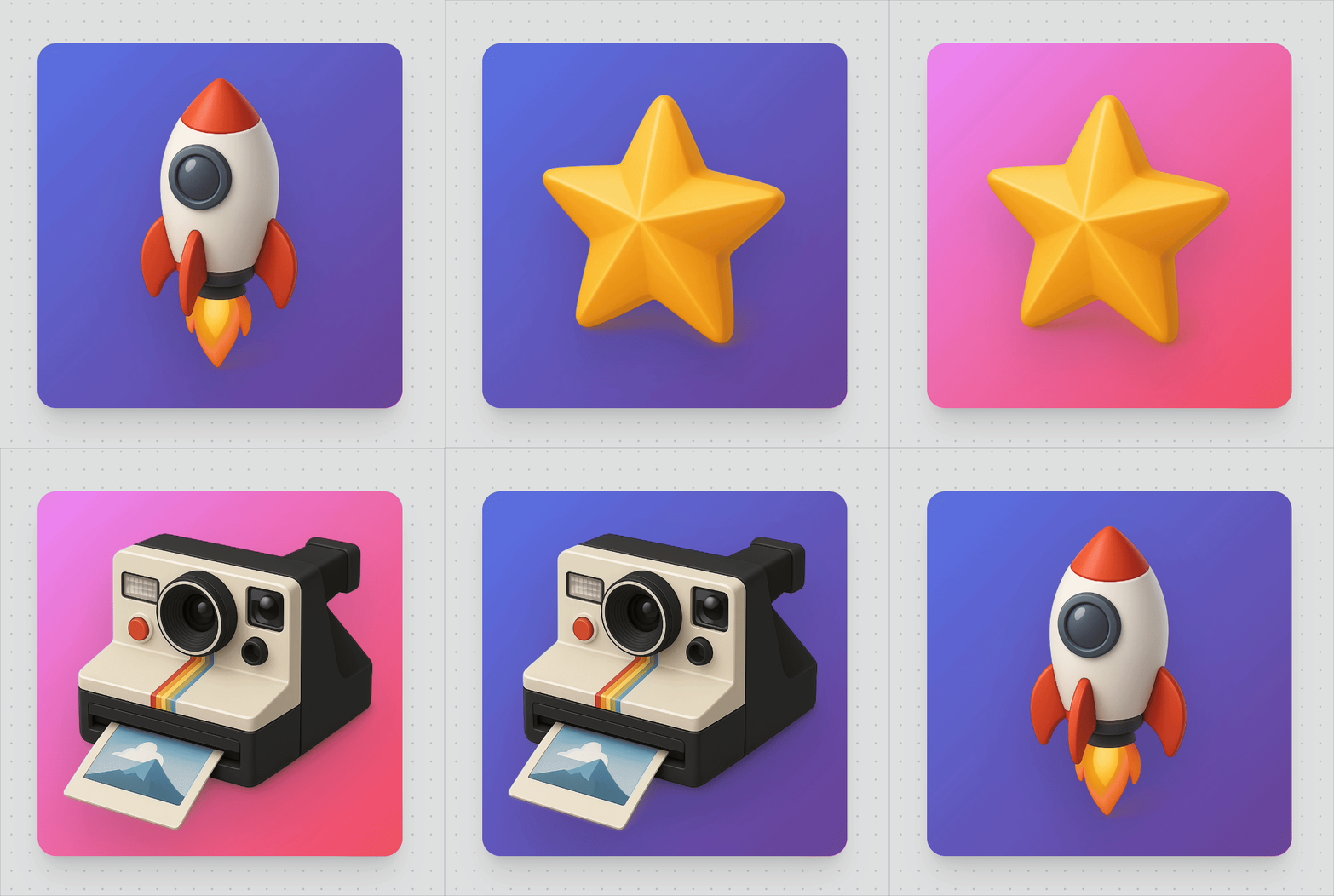
- Create custom icons for your app with our Icon Maker. Add beautiful gradient backgrounds and resize to perfection.
- Instantly export your screenshots for all iPhone and iPad sizes required by the App Store. No more resizing manually.
- Tweak gradients, shadows, text styles, and device frames to match your brand. Choose from beautiful preset gradients or create your own.
- Professional templates and layouts pre-configured for conversion. It looks better than your Figma designs in seconds.
- Select different devices to create screenshots for all iPhone and iPad sizes required by the App Store.
Pricing
Create stunning App Store screenshots
Monthly
Full access, billed monthly
6.99€
EU
/mo
- Full editor capacity
- Unlimited icons & screenshots
- Unlimited exports
- All device frames (iPhone, iPad)
- Custom backgrounds & gradients
- Text overlays & styling
- High-resolution exports
Cancel anytime
Annual
Full access, billed yearly — save 46%!
83.88€
44.99€
EU
/mo
- Full editor capacity
- Unlimited icons & screenshots
- Unlimited exports
- All device frames (iPhone, iPad)
- Custom backgrounds & gradients
- Text overlays & styling
- High-resolution exports
- Priority support
Cancel anytime
- Yes! Both plans include unlimited export downloads. Create and download as many screenshots as you need for all your apps without any restrictions.
We support all current App Store screenshot sizes: iPhone 6.7" Pro Max, 6.5" Plus/Pro, 6.1" Pro/Standard, 5.4" Mini/SE, and iPad Pro 12.9", iPad Pro 11", iPad Air, and iPad Mini.
While this tool is optimized for Apple App Store dimensions, you can also use it for Google Play screenshots. The exported images work great on both platforms.
Not at all! The tool is designed to be simple and intuitive. Just upload your screenshot, add some text, choose a background, and export. Professional results in seconds.
Ready to create stunning
App Store assets?
Beautiful screenshots and icons in seconds.
Trusted by indie developers worldwide